SceneryDesign.org
 In the latest development release of ModelConverterX, the Earth curve editor has been updated. Before this change the editor would only work for the specific earth curve behaviour of FSX and P3D. In these simulators attached objects (e.g. effects) are automatically corrected for the curve of the earth, so the editor did allow you to correct the geometry as well or to undo the automatic correction of the attached objects. Both these changes ensure that the geometry and attached objects line up correctly again.
But if you want to correct an object for the earth curve in another simulator, for example MSFS, those two options were not sufficient. MSFS does not have the automatic correction of attached lights for example, so when applying an earth curve correction you would have to apply it to both the geometry and the lights.
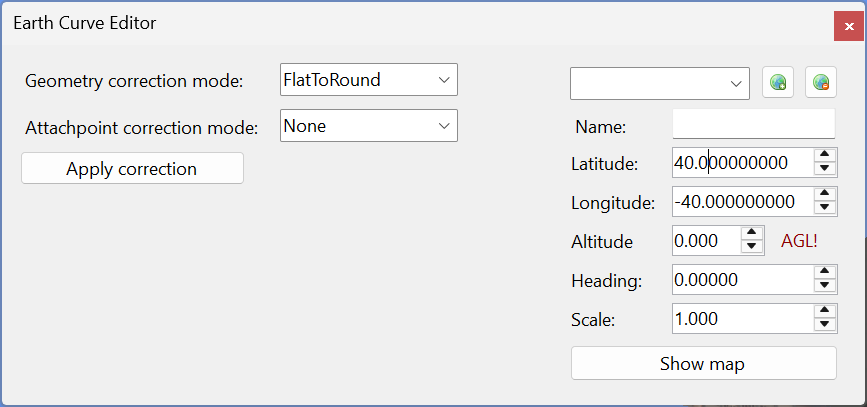
Therefore I have made the editor more generic now. You can select what type of correction you want to apply to the geometry and the attached objects (attachpoints). Depending on the default simulator you have configured in the options and whether a earth curve correction has been applied to the object before or not, the editor will present the most logical default values for the corrections. Also check the updated manual that explains the new options in the editor in more detail.