 SceneryDesign.org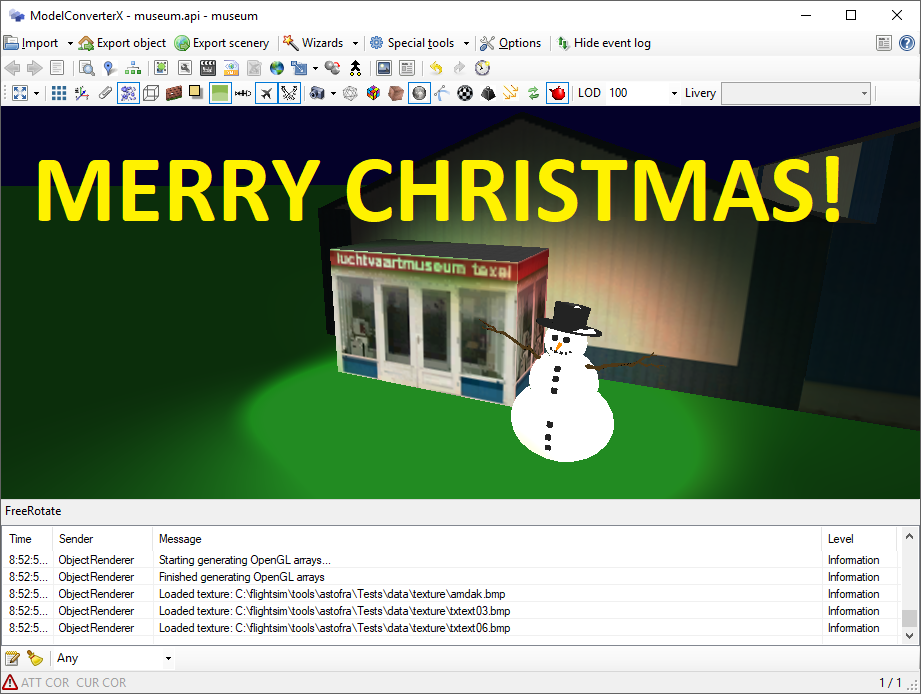
FSW MDL support & Material editor filtering
Last week Dovetail (finally) released a SDK for Flight Sim World (FSW). I have now updated ModelConverterX to support the FSW MDL format as well. This means you can read and write the FSW MDL files. To write them (or the FSW BGL files) you need to have the SDK installed.
I can’t garantuee that all new PBR material attributes are read correctly from the MDL file. I tried to locate most of them, but some I can’t find yet (when I change them in the X file, nothing changes in the MDL file). So let me know if there are specific issues.
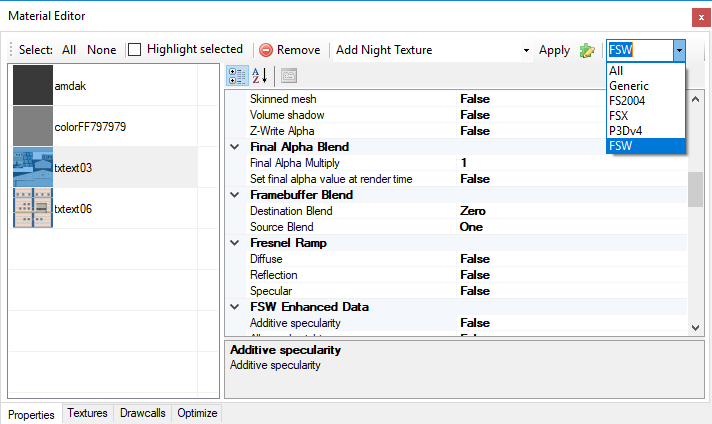
With the new FSW material attributes the amount of attributes in the material editor has grown even more. So I have also added a filter to the material editor now, so that you can show the variables that are relevant for the FS version you are working with. For example if you select FS2004, you will only see those that are exported to FS2004.
X-Plane OBJ exporter
I have added an exporter for a new format to ModelConverterX, you can now also export to the X-Plane OBJ format. Importing this format was supported for quite a while already and now I have finally added the export as well. The following aspects are supported by the exporter:
- Textures (diffuse and nightmap)
- Levels of detail
Because the X-Plane format only allows one texture per object, MCX will output multiple files if your object uses multiple textures. I’ll try to add support for additional material related attributes soon. I think there are some settings that can be mapped from the FS material settings.
Animations are not yet supported, with the options available in the OBJ file it is hard to express all aspects of the animation that MCX knows. The X-Plane OBJ format does not support transformation matrices.
Autogen Configuration Merger 1.1 released
I have just released a new stable version of Autogen Configuration Merger, you can download it via the ACM page. This version adds support for Prepar3D v4. This has been in the beta release for a while and is stable enough now for the stable release. Another change that was recently added is that sceneries added via add-on.xml files are now also read by the tool. So please use this version from now on in your sceneries.
ModelConverterX command line arguments
 ModelConverterX supports a number of command line arguments, for example to load a file at startup or to start a batch convert. I have now added a few extra command line arguments to give more flexibility. Below example usages are given.
Loading object
To load an object at startup of ModelConverterX you can just specify the filename you want to load.
modelconverterx.exe your_object.mdl
Loading object with specific livery
If you are loading an aircraft object and want to specify which livery to show initially, you can add the livery option to specify the name of the livery to select.
modelconverterx.exe your_object.mdl -livery selected_livery
Batch process file
In the batch convert wizard you can save the batch settings to file. You can then call this file from the command prompt to apply it to the object you specify.
modelconverterx.exe -batch batch_settings.mbc your_object.mdl
You can convert multiple objects at once by specifying them all.
modelconverterx.exe -batch batch_settings.mbc your_object.mdl your_object2.mdl your_object3.mdl
Mouse rectangle mess
 ModelConverterX can read and write the mouse rectangles of virtual cockpit MDL files for quite a while already. But this week I fixed some annoying bug in that code. These bugs must have been there for quite a long time already. Now and then some issues with mouse rectangles were reported on the forum, but it was always hard to reproduce them since they typically show up in complex virtual cockpit models that are hard to debug. But with some good tips for forum users I was able to reproduce the problem in a simple object this week and that made solving the bugs a lot easier. So if you grab the latest development release now, you will not have problems with mouse rectangles suddenly getting other tooltips or that kind of bugs. This should make it more safe to edit virtual cockpit files with ModelConverterX.
What kind of bugs did I fix? First there was an issue that the mouse rectangle definitions were not always found correctly in the modeldef.xml file, so unnecessary extra definitions were made for that. This was caused by a bug in the implementation of the Copy tag in the modeldef.xml file.
Secondly the tooltips got mixed up on export sometimes. This was only the case for the custom mouse rectangle definitions that ModelConverterX made, so with the first bug solved this is less common already. But I found out that I wrote some elements wrong to the XML file, so that is also fixed now.
Just let me know if you find any more issues, as I’m not an aircraft development by origin, I’m less familiar with these aspects of MDL files.
Recent changes
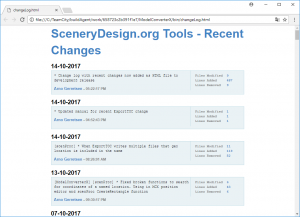 Until today you could view the recent changes in my tools here on the website, there used to be a link for that in the menu on the left (or on the bottom if you are viewing on a mobile device). But lately that change log was not being updated correctly anymore, so that recent developments were often not visible. So I have decided to remove it now.
But that doesn’t mean I won’t make the recent changes visible anymore. From now on you will find a file named changeLog.html within the development release downloads. In this file you can see the 100 most recent changes in the software. So that should help you to see what has been changed. You can also find this change log here online.
AeroFly FS 2 support in scenProc
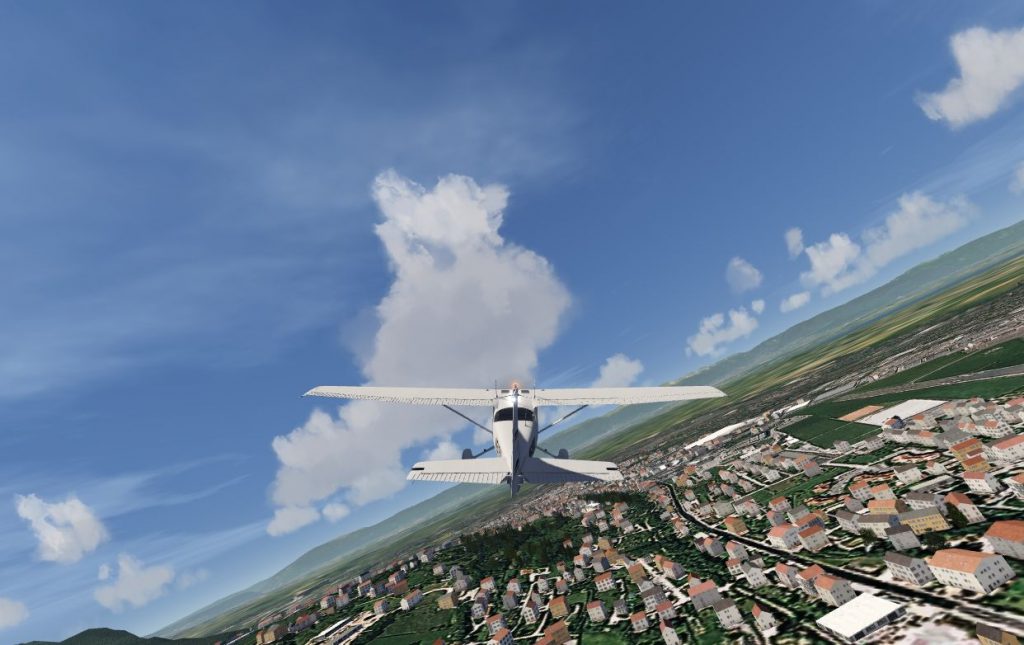
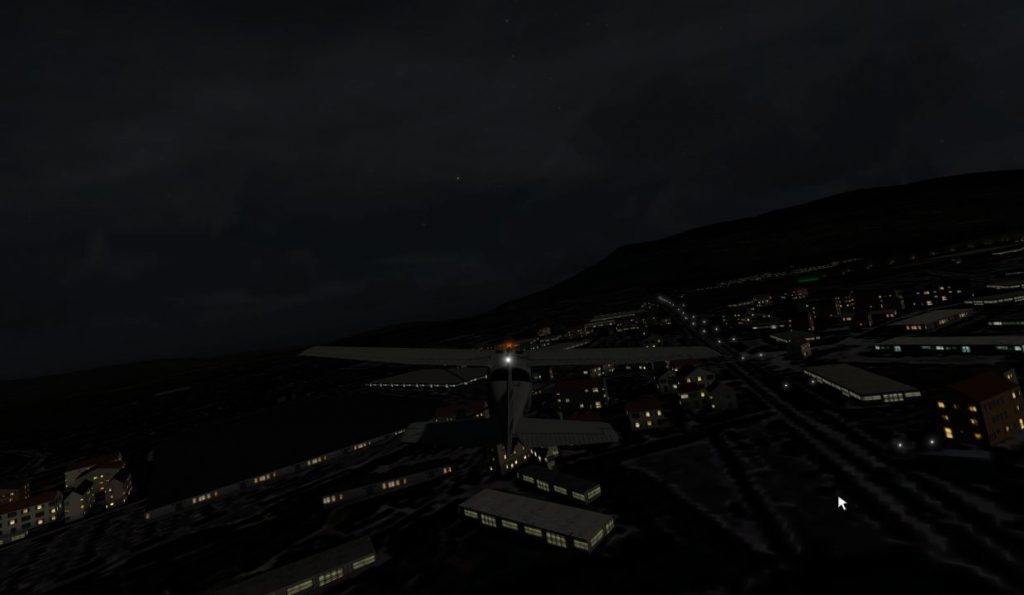
This week I was approached by an AeroFly FS 2 user with the question if scenProc could be used to make cultivation (the AeroFly name for autogen) for AeroFly FS 2 as well. Of course this was not the highest priority item on the wishlist to work on, but I liked the challenge and the data structure to write to seemed simple enough. So I sidetracked a bit from what I was actually working on and decided to give it a go.
The fact that I’m writing about it now already indicates that it worked. In the next development release of scenProc you will find support to create cultivation for AeroFly FS 2 as well. You can create plants (trees), buildings and lights.
Section 5.9 of the updated manual shows an example script that can be used for AeroFly FS 2. Using OpenStreetMap data I have scattered trees into forest polygons, placed lights along a road and create houses from buildings that are almost rectangular. Hopefully this sample script should be enough to get you going. If there are any questions or suggestions, just let me know.
Hierarchy editor improvements
Last week I made two changes to the hierarchy editor:
- You can now drag nodes in the hierarchy editor, so that you can give them another parent node. This can be used to animate attachpoints.
- You can specify a NoCrash option per modelpart now, this way certain parts can be excluded from the crash box generation.
Below are two video tutorials of the new features.
Prepar3D v4 visibility conditions for scenery?
This evening I have been testing Prepar3D v4 a bit more and I have especially looked at using visibility conditions in scenery MDL files. Before these were not supported at all for MDL files placed through BGL. We had to use SimObject for them, as tools like SODE do.
But with Prepar3D v4 things have changed a bit here, and I have been testing what that could mean. So what I did is add a simple visibility condition to part of an object. This the test code I used:
<PartInfo>
  <Name>vis_december</Name>
  <Visibility>
    <Parameter>
      <Code>
      (E:ZULU MONTH OF YEAR, number) 12 == if{ 1 } els{ 0 }
      </Code>
    </Parameter>
  </Visibility>
</PartInfo>
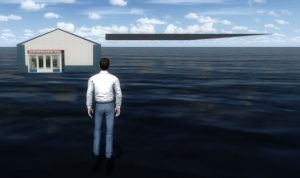
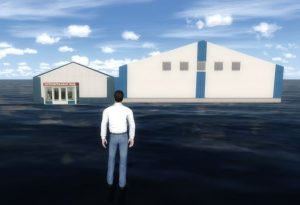
It is just a simple condition to show the scenegraph node only when it is the 12th month of the year. And the good news is that these kind of conditions now work. So you can have part of your MDL only show at a certain time of the year. This can be very useful if you want to show snow only in the winter or so. As a proof here are two picture, one taken in September and the other in December.
At the moment I could only use the variables from the environment section, which would limit the kind of visibility conditions only to time related settings (day, month, year, etc). I tried to test with some other variables, but didn’t have success with that yet. So it might be that interesting variables like the weather are still not support for scenery (or I just did something wrong).